Today and tomorrow
See what’s on for today.
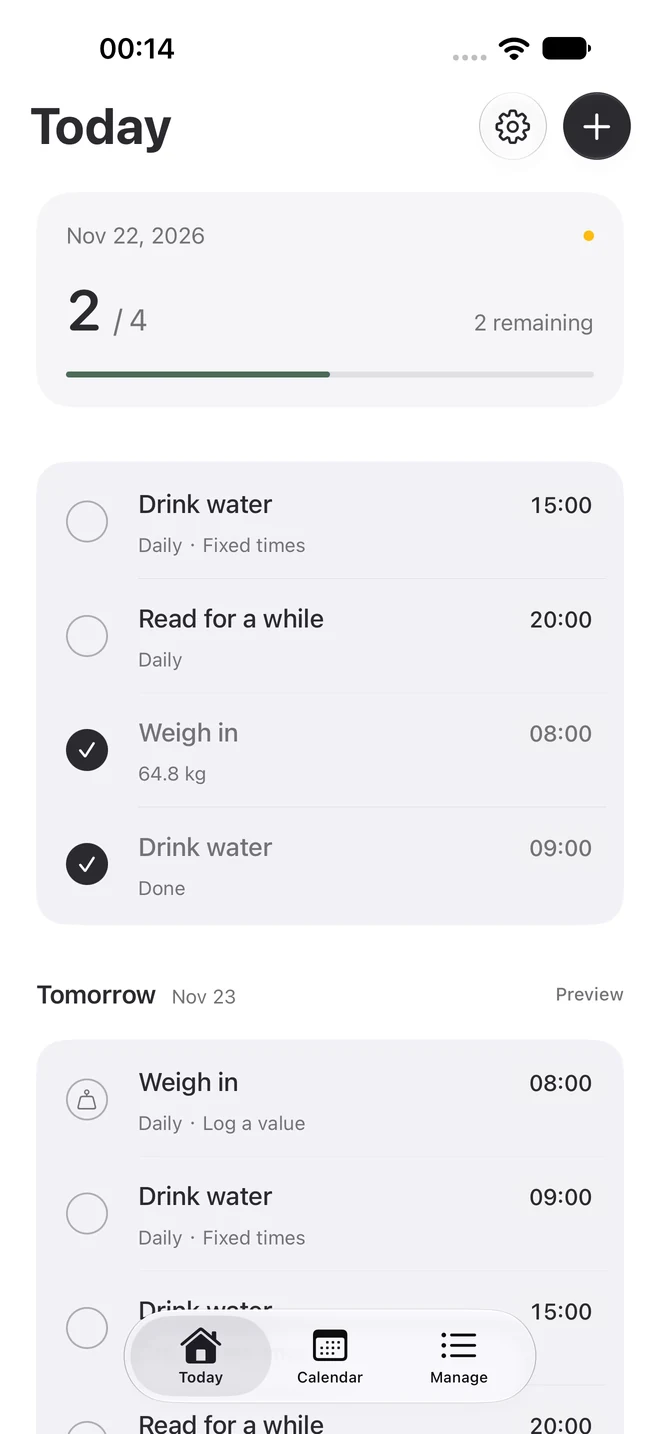
See what’s due and what you’ve finished in one place. Swipe to mark an item done, then glance at what’s coming tomorrow.




DaoShi Reminder
A glass of water, a stretch break, the things you do every week. Set a time, get a reminder, and swipe when it’s done.
iPhone · iPad · Mac
Everyday reminders
See what’s due today and set reminders for the things you do again and again.
Today and tomorrow
See what’s due and what you’ve finished in one place. Swipe to mark an item done, then glance at what’s coming tomorrow.
Repeating reminders
Choose the days of the week, several fixed times a day, or intervals in a time window. Make time for water, a stretch, or a walk.
Completion calendar
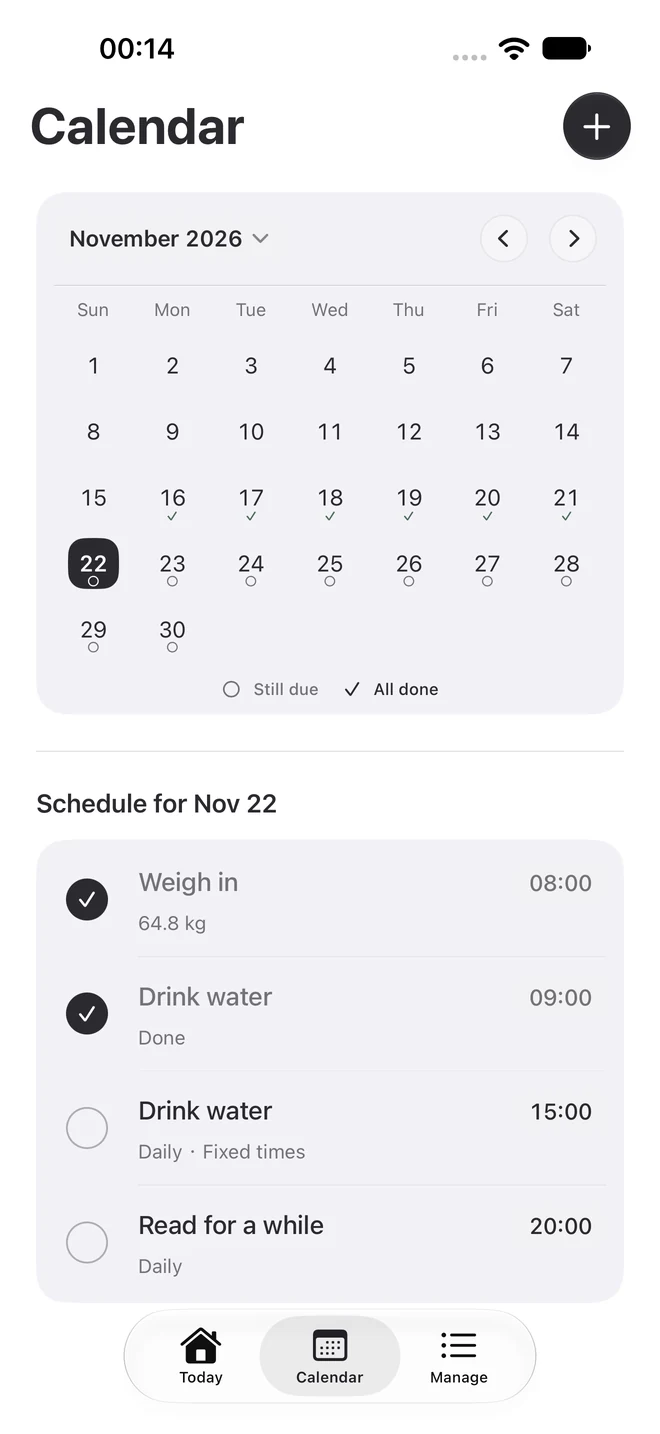
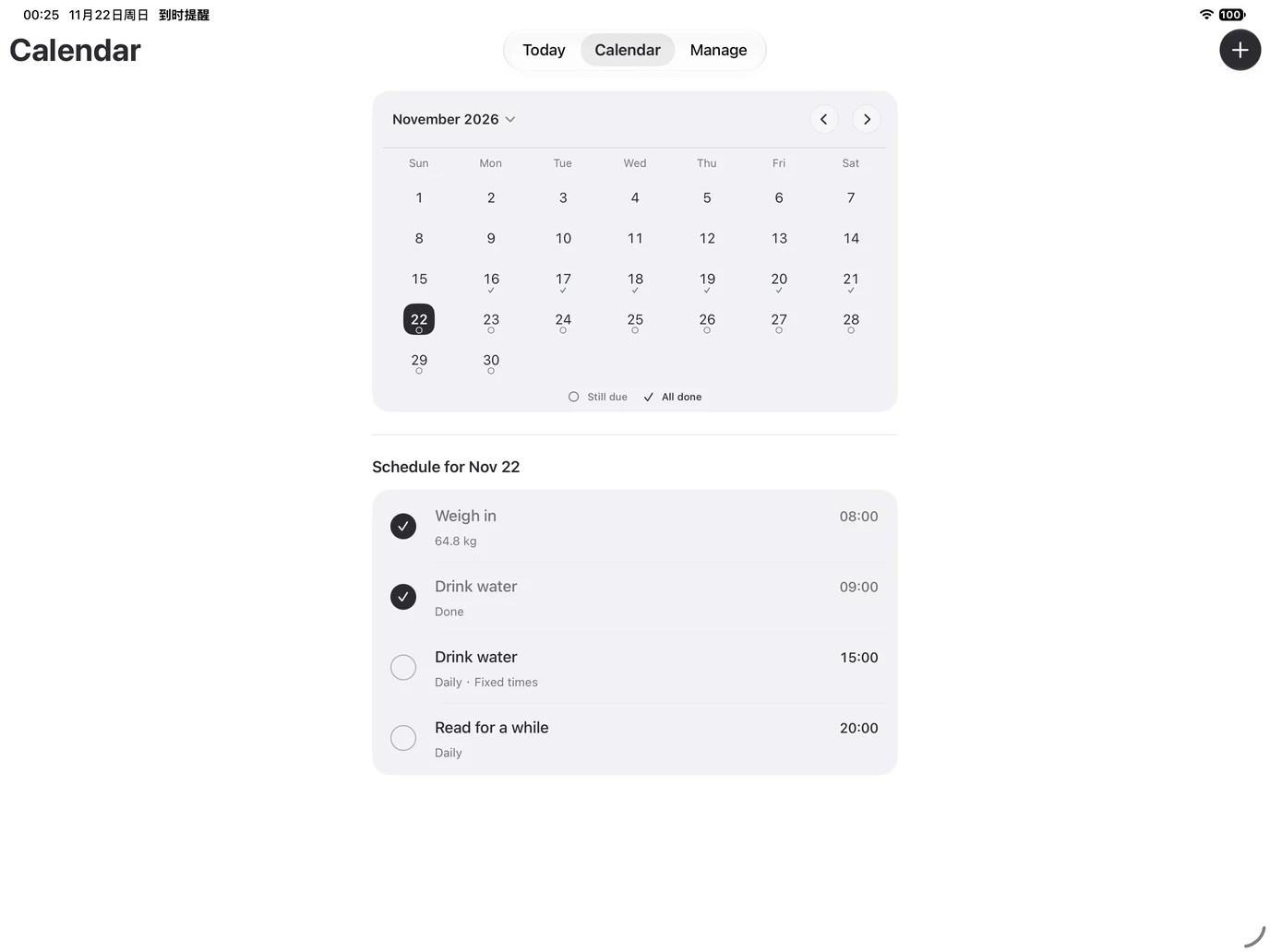
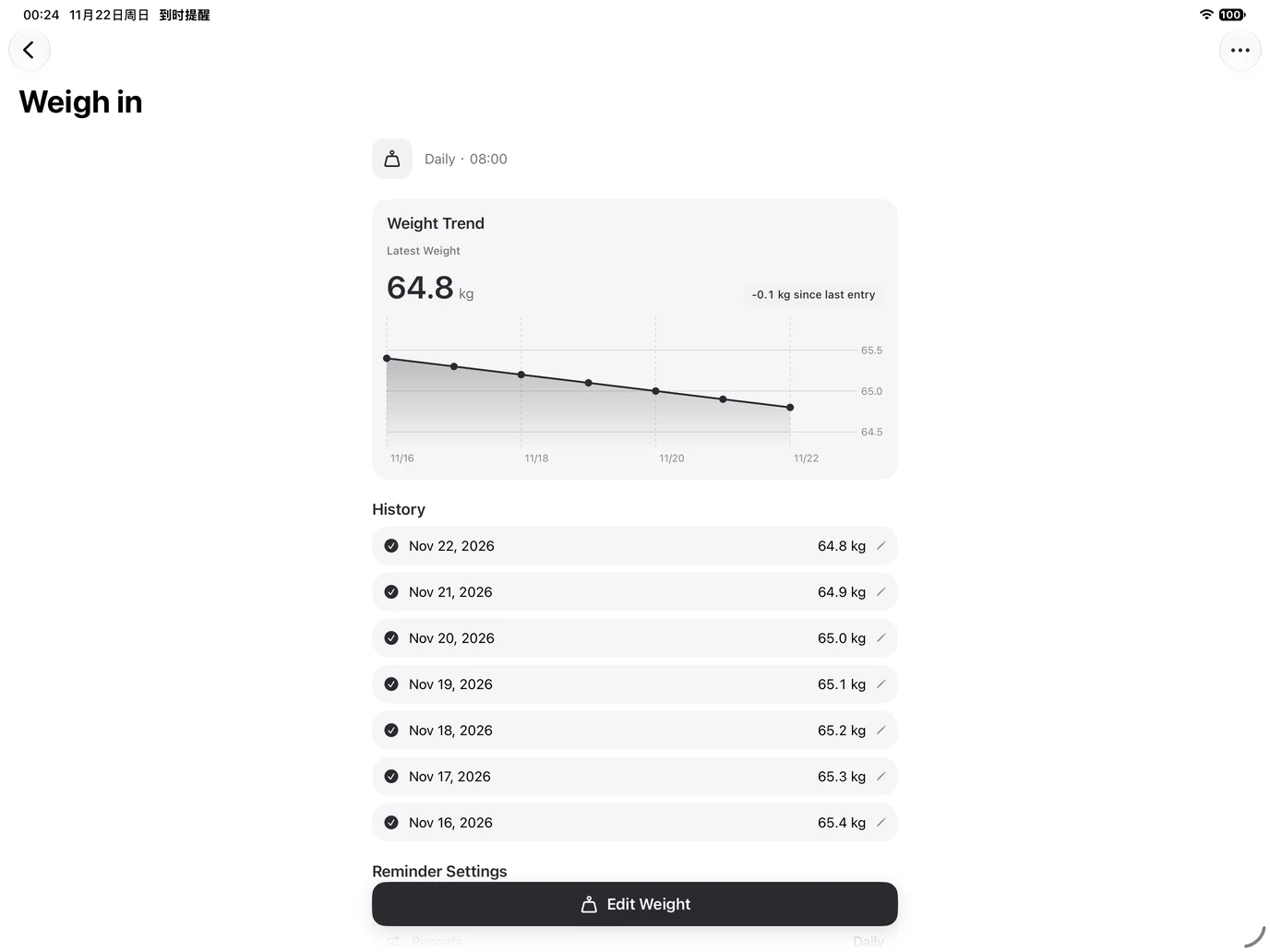
See which days still have to-dos and which days are complete. Log your weight by hand when completing a weight reminder and see how it changes over time.
Make time to take a break.
iPhone · iPad
Set a daily threshold for time spent in apps and on websites. Get a notification to take a break once you reach it.
iPhone · iPad
Choose apps that share a daily allowance. The system restricts them once the allowance runs out and restores access the next day.
Mac
Check your work timer in the menu bar. A full-screen reminder tells you when it’s time for a break. The timer pauses while your Mac is locked or asleep.
In the app
Check things off on iPhone, review the day on iPad, or plan the next task on your Mac.
Check off today’s reminders wherever you are.
See what’s left to do, what’s complete, and what’s coming tomorrow.
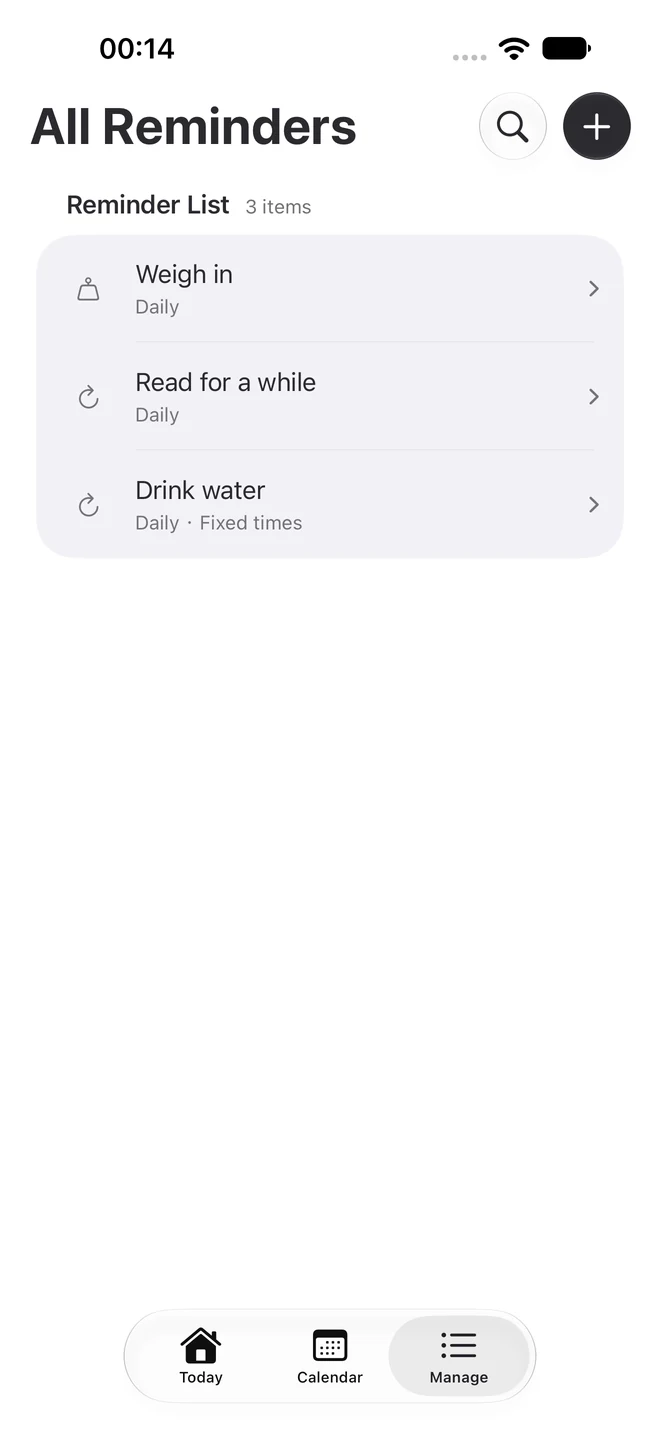
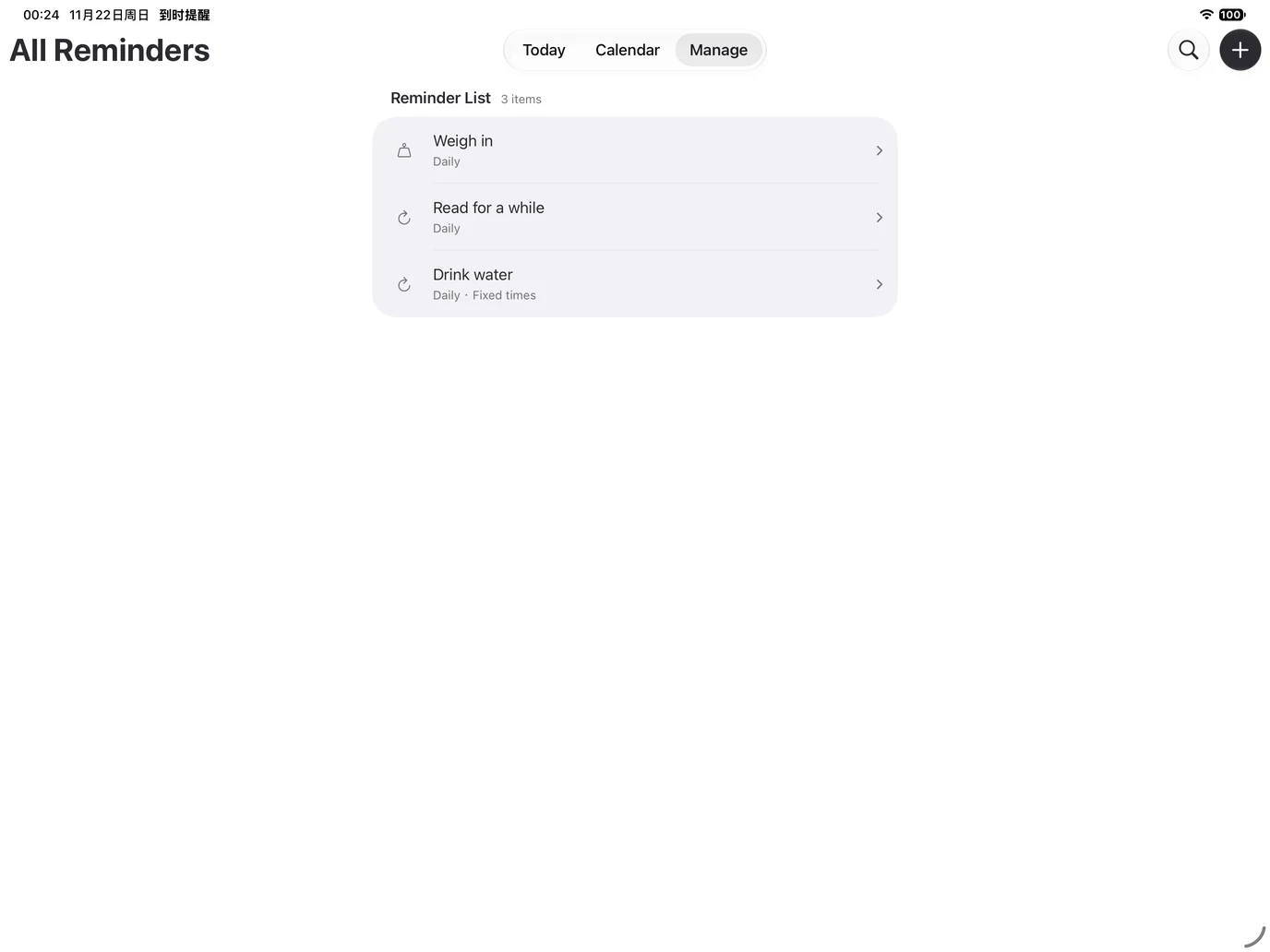
Browse all reminders and open an item to change its schedule.
Jump to a month and see which days are complete or still have to-dos.
Review your manually entered readings and see how they change over time.
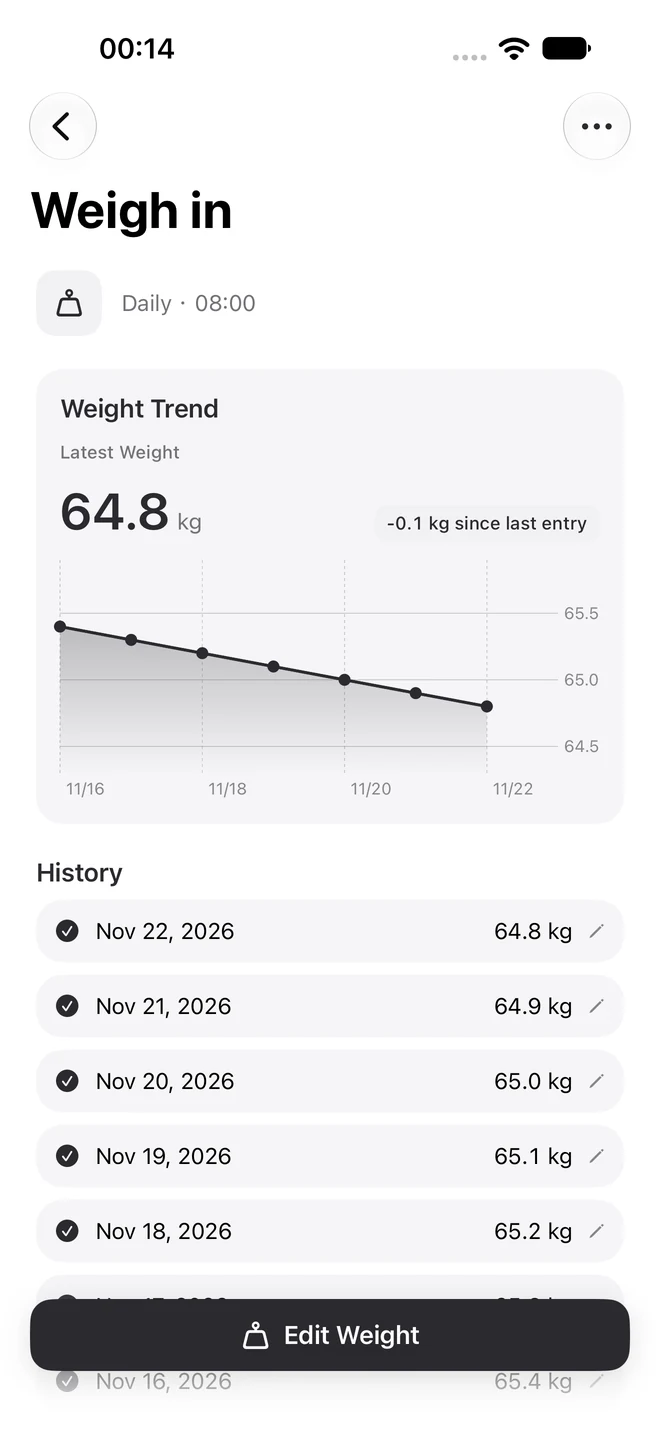
The reminders and records shown are examples.
See the day’s plan on a larger screen, including tomorrow’s reminders.
See what’s left to do, what’s complete, and what’s coming tomorrow.
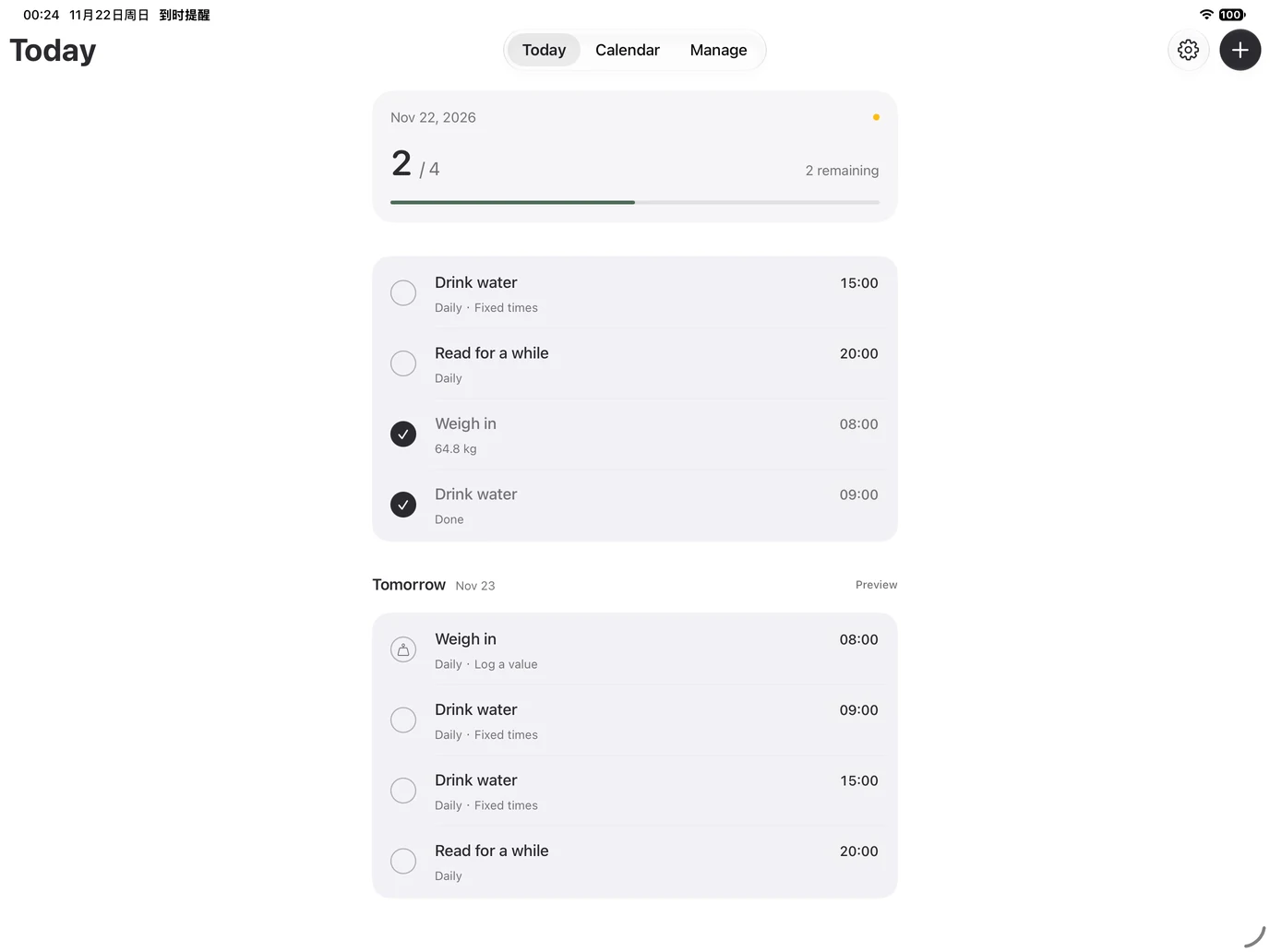
Browse all reminders and open an item to change its schedule.
Jump to a month and see which days are complete or still have to-dos.
Review your manually entered readings and see how they change over time.
The reminders and records shown are examples.
Use the sidebar to move between Today, Calendar, and your reminder list.
See what’s left to do, what’s complete, and what’s coming tomorrow.
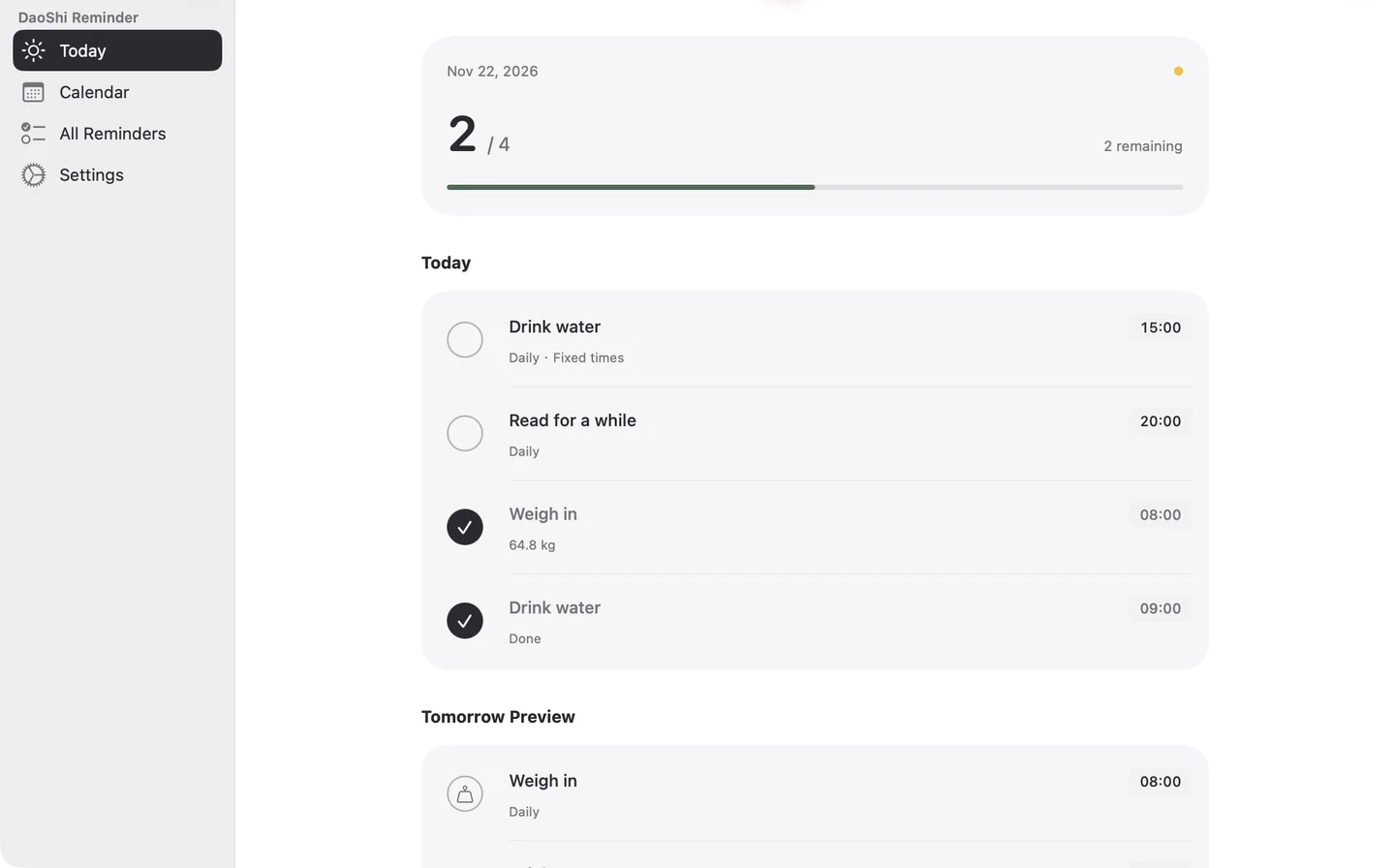
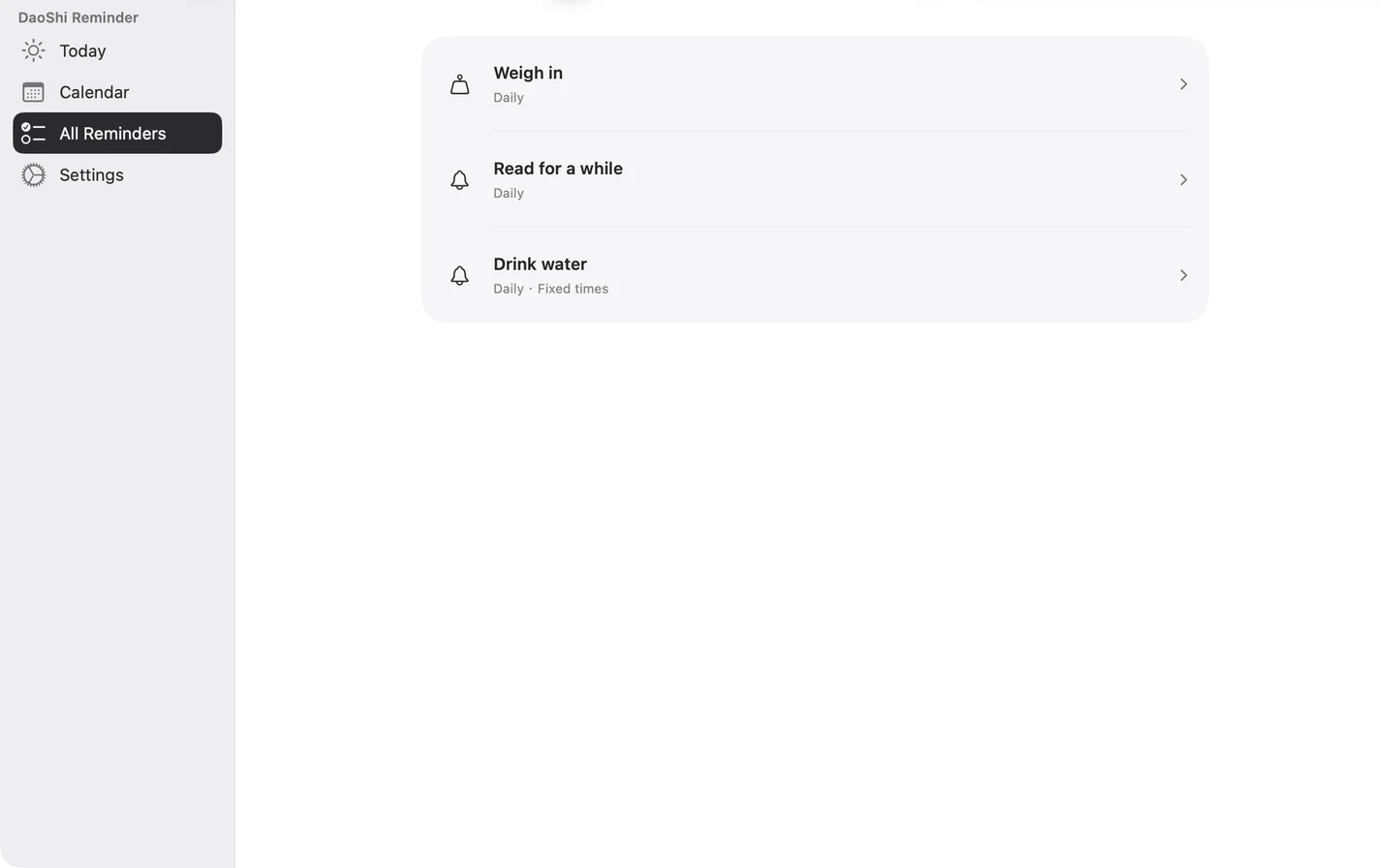
Browse all reminders and open an item to change its schedule.
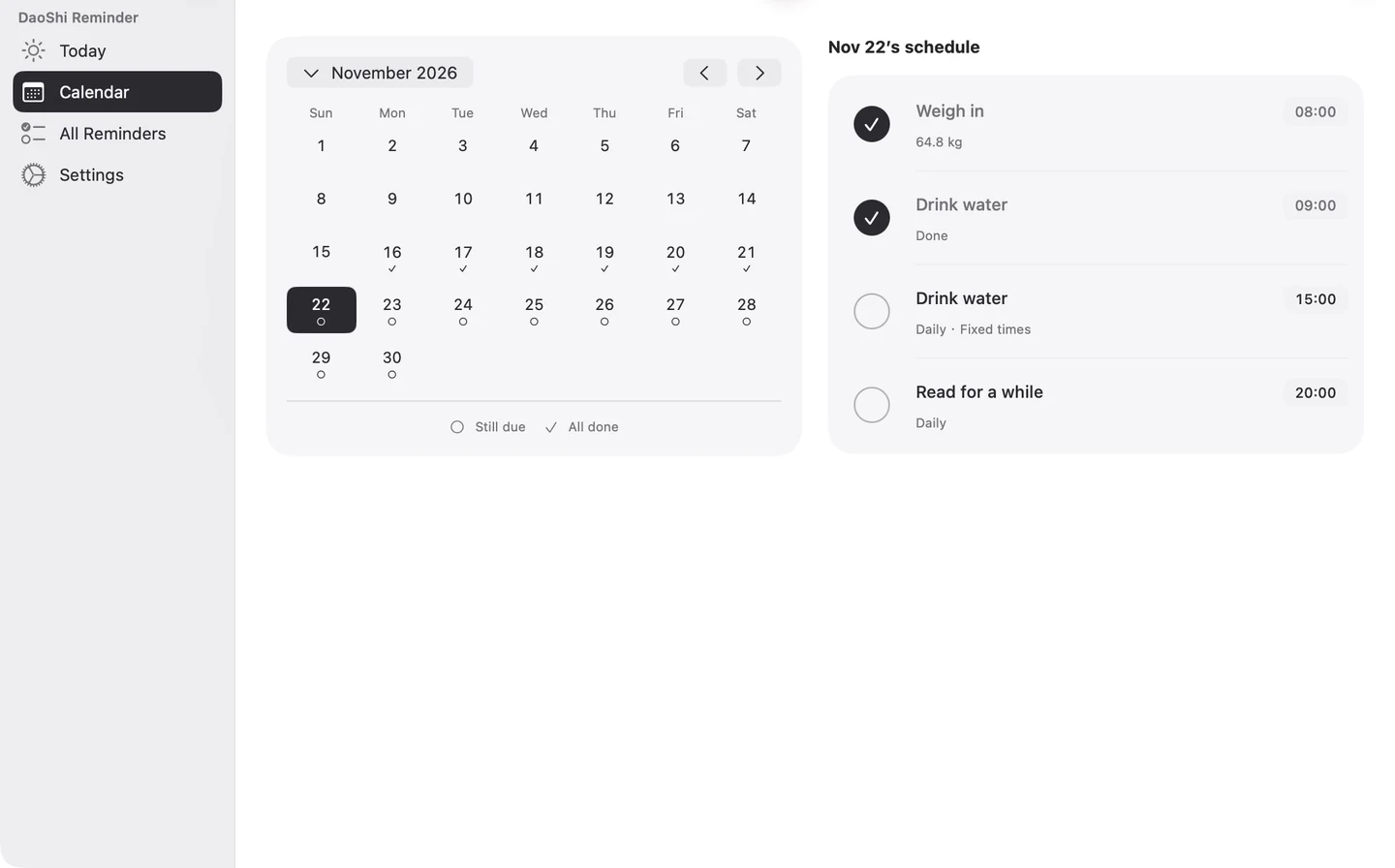
Jump to a month and see which days are complete or still have to-dos.
Review your manually entered readings and see how they change over time.
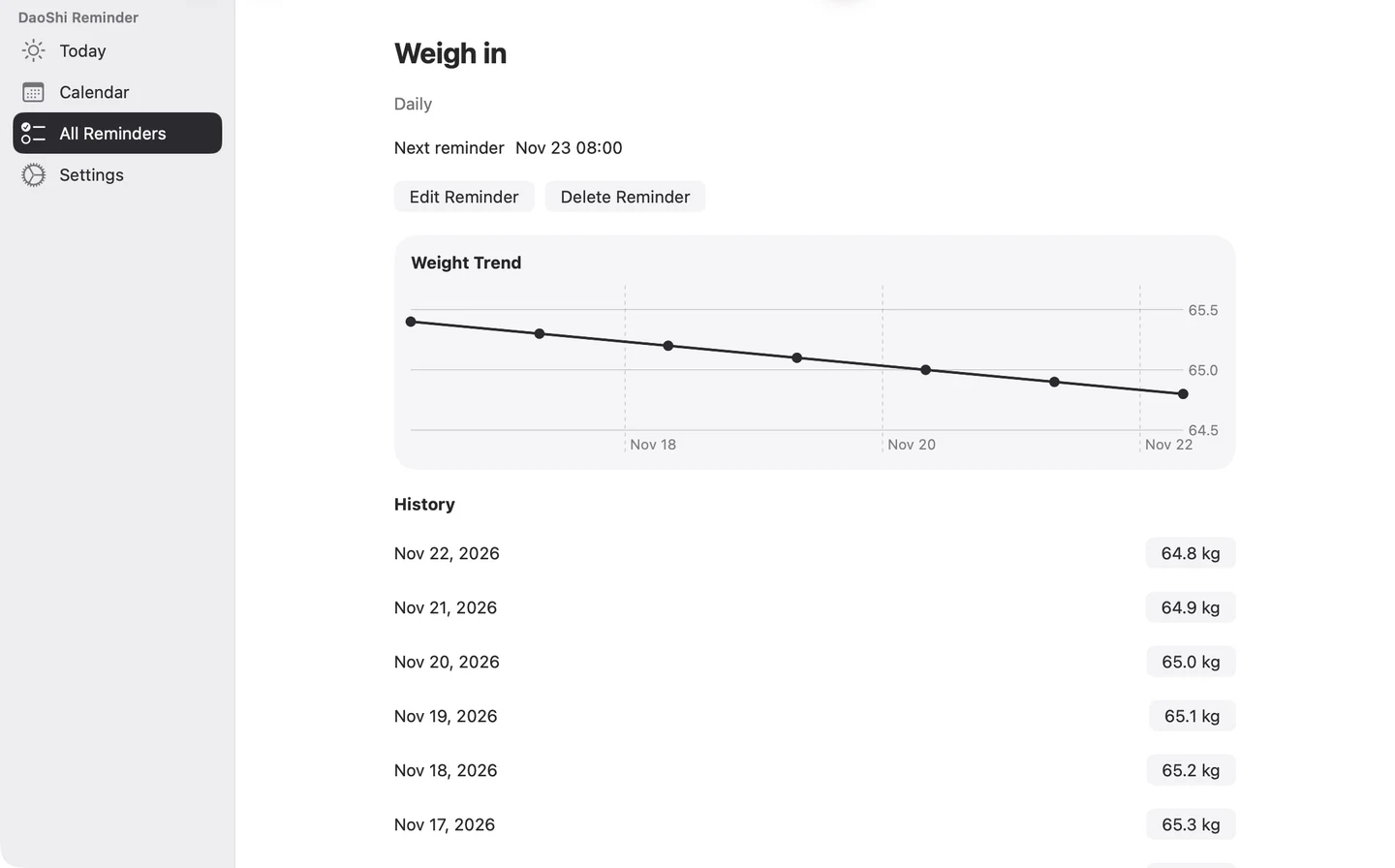
The reminders and records shown are examples.
Reminders and completion records are stored on your device. When iCloud is available, devices signed in to the same Apple Account can sync through your private iCloud database.
Requires iOS 17, iPadOS 17, or macOS 14 or later. Some features depend on your device, software, and permissions.